The short answer
Most feeder problems come from kibble outside the stated size range, moisture making food stick, no backup batteries during an outage, or a Wi-Fi band the feeder can't join.
Jams
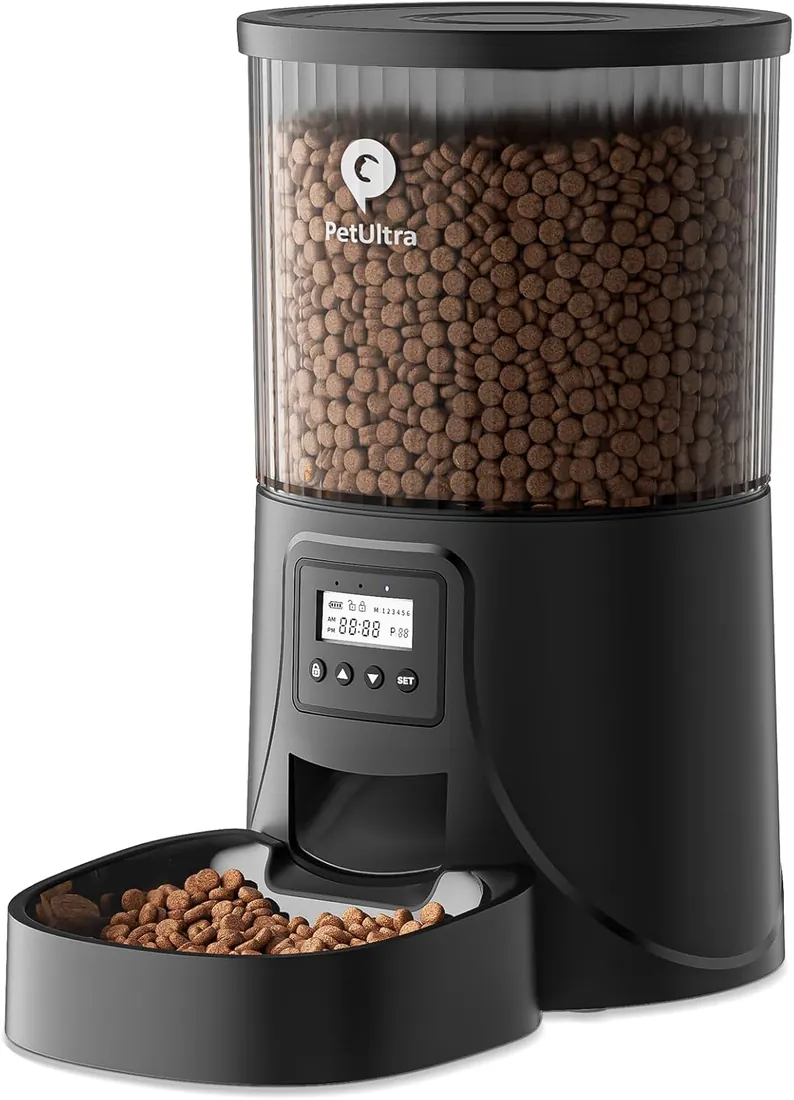
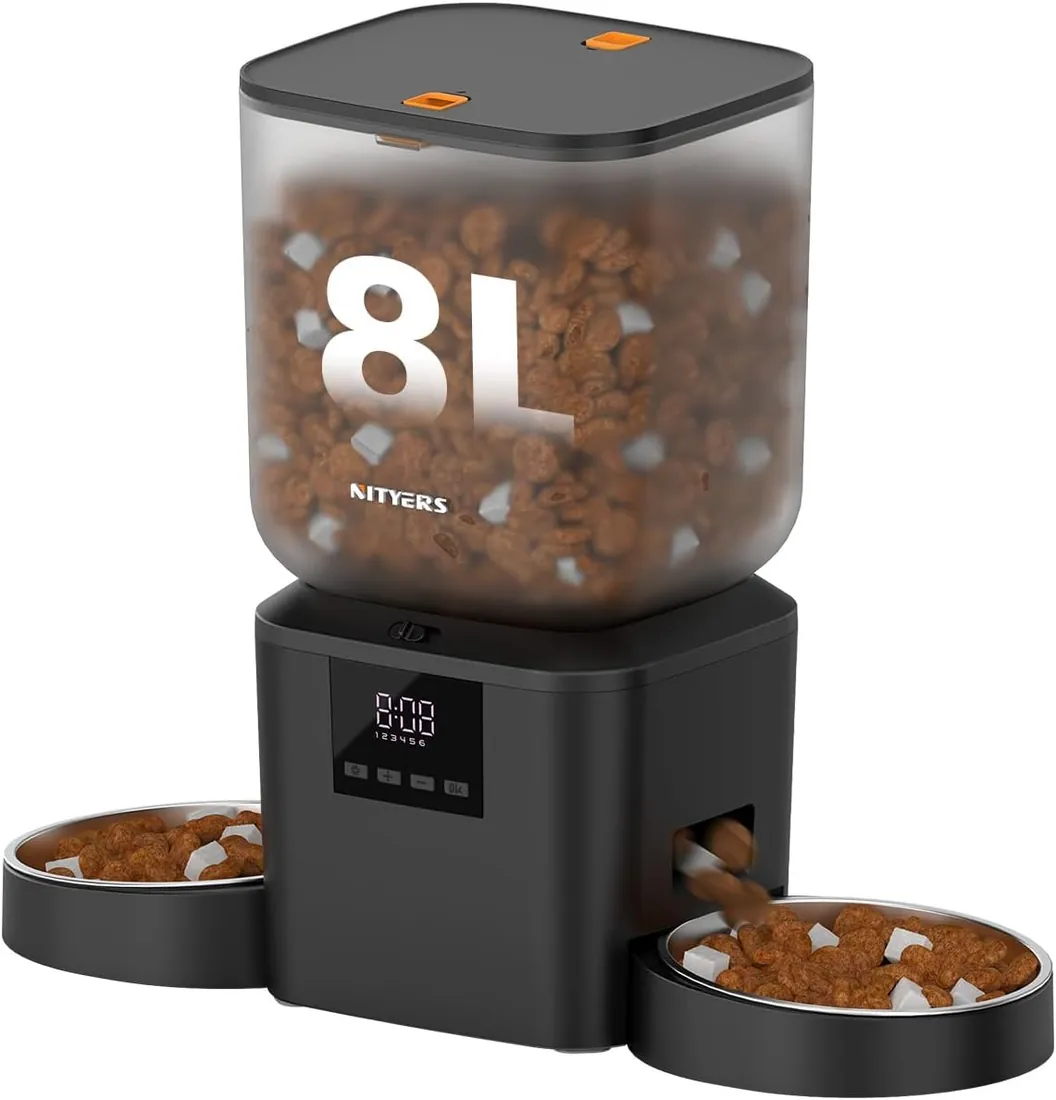
- Check the kibble size range: PETULTRA states 0.07–0.4 in; Nityers' two-cat feeder 2–18 mm.
- Replace the desiccant; damp kibble sticks.
- Clean the rotor; oily kibble builds up.
Missed meals
- Fit backup batteries; most feeders keep schedules on battery, though Wi-Fi features pause.
- Recheck the clock and time zone after outages.
- Make sure the lid is locked so pets can't raid the hopper.
Wi-Fi
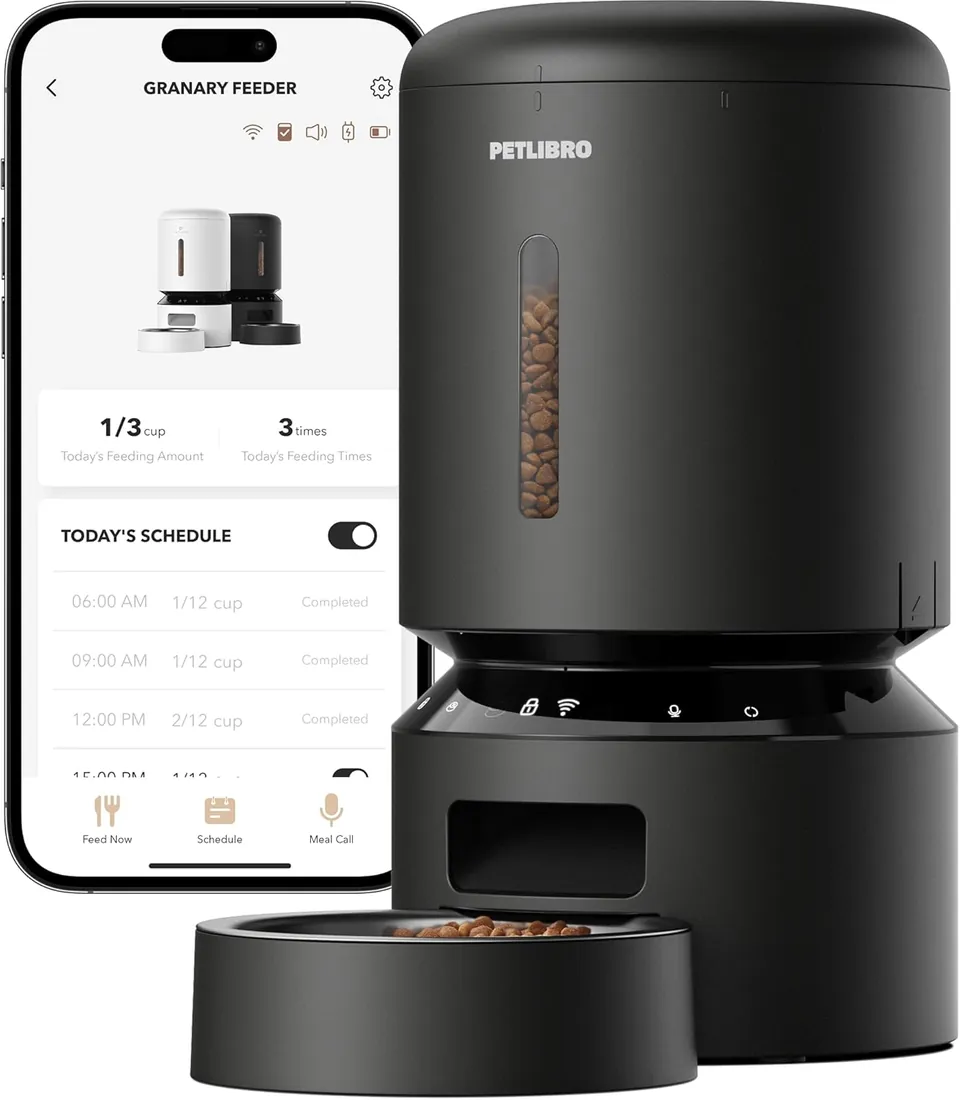
- Many feeders join only 2.4 GHz networks; PETLIBRO's 5 L and 3 L Wi-Fi feeders support 5 GHz too.
- Pair close to the router, then move it.
Products mentioned
Questions readers ask
Why does my feeder jam?
Usually kibble outside the stated size range or damp food.
Do feeders work during power outages?
With backup batteries most keep scheduled meals; Wi-Fi features pause.